
 Khizrana Begum
Web & Informational Content Writer
Khizrana Begum is a Web & Informational Content Writer who creates clear, practical and reader-friendly content across web topics, technology, digital trends, online guides and general information.
Read Full Bio of Author →
Web & Informational
Khizrana Begum
Web & Informational Content Writer
Khizrana Begum is a Web & Informational Content Writer who creates clear, practical and reader-friendly content across web topics, technology, digital trends, online guides and general information.
Read Full Bio of Author →
Web & InformationalContent Writer
 Sameena Begum
Web & Digital Content Reviewer
Sameena Begum is a Web & Digital Content Reviewer who reviews selected WorldWideWebBlog articles for clarity, structure, consistency, readability and responsible presentation.
Read Full Bio of Reviewer →
Web & Digital
Sameena Begum
Web & Digital Content Reviewer
Sameena Begum is a Web & Digital Content Reviewer who reviews selected WorldWideWebBlog articles for clarity, structure, consistency, readability and responsible presentation.
Read Full Bio of Reviewer →
Web & DigitalContent Reviewer
AI Meets Video Editing: Getting More from a ChatGPT Video Editor
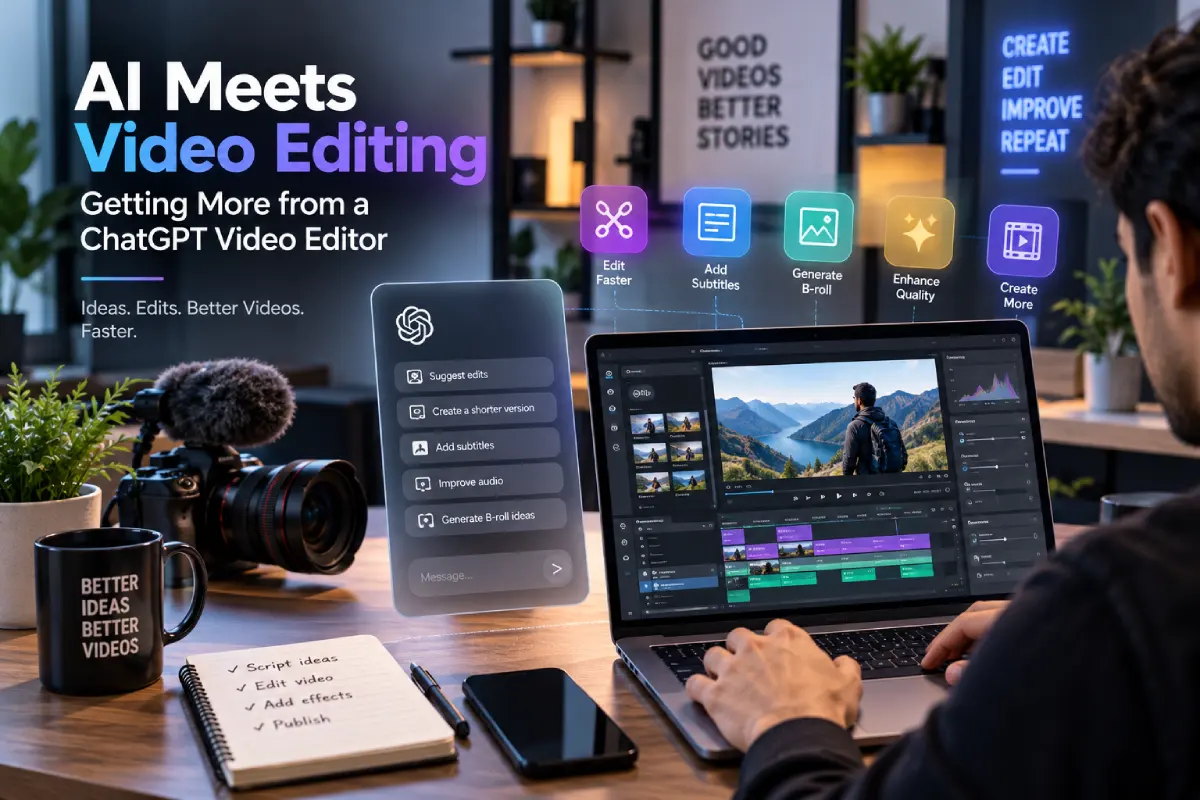
For years, video editing meant wasting hours chasing film back and forth on timelines, maniacally trimming, and painstakingly syncing audio. That’s rapidly changing. There’s a growing cohort of creators turning to a ChatGPT video editor to cut down the aspects of editing they’d rather not do. Instead of blindly clicking through 37 different screens, you just provide a brief description, and the AI handles the rest.
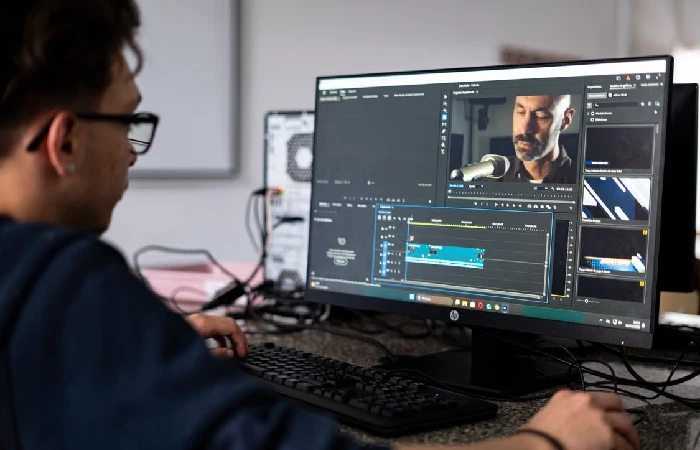
Table of Contents
What is a ChatGPT video editor?
A ChatGPT video editor works by combining natural language processing algorithms with traditional editing software. If you want to cut the silence at the beginning and end of each clip, rather than manually dragging the trim, you can speak the words into the microphone. The AI handles everything for you, eliminating the need to generate a transcript separately, create lower thirds, and insert them.
Why Users Are Moving to AI-Driven Edits
While traditional editing suites require technical expertise to produce smooth creative work, onboarding can take months. It also requires learning a large suite of commands, not to mention the time-consuming process of switching between tools. For users new to editing, the process also greatly simplifies the software learning curve.
How Does Prompt-Based Editing Work?
Broadly, prompt-based editing means you break down a textual prompt into a set of actionable commands. If you instruct it to “trim the colourless scenes and apply audio ducking for background music,” the AI reads the script and applies the effects that match your criteria. It doesn’t read the text; it just recognises the pattern in your instructions.
How to Save Time on Repetitive Tasks
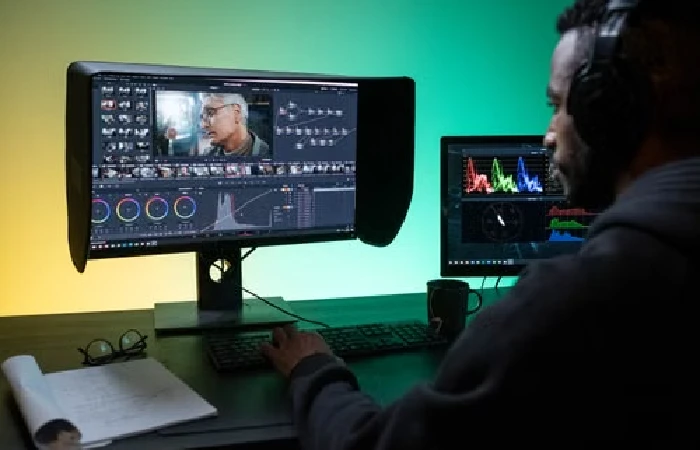
Did you know that extracting all the sections where someone says ‘umm’ can take an hour? Putting colour filters on all of the shots of the same scene can be tough to do manually. By streamlining repetitive edits, the average time to create is also reduced. This approach reduces the mental energy spent on something that ultimately isn’t very interesting.
Better Captions and Subtitles
Published content on social media platforms is often viewed with no sound.
Traditionally, generating subtitles was either done by a third-party transcription service or by scrolling through dozens of messages, each with a text change. Now, the time spent creating captions can be reduced to seconds, with the opportunity for a quick review before publishing.
Choosing the Best Tools for Your Needs
Although not all AI tools are created equally, it can be difficult to spend the time selecting the right one for your needs. Some are primarily focused on captioning, while others offer full-scale editing with an AI fallback. Most creators are better served by a solution that balances automation and manual control.
Top Tips for Better Results
Don’t forget to double-check your prompts; using a combination of broad and narrow instructions will achieve the best results. Watch back early drafts before publishing, since your audio environment may be difficult to understand. Test your commands with variations on prompts, and study the results.
Conclusion
With the rise of AI content creation tools, no one is heading back to pencil on paper. While videos won’t be created entirely via prompts, the video editor interface will inevitably change to support them. A ChatGPT video editor will increasingly just be a part of regular content creation by removing the technical steps so that your imagination can fly.
Khizrana Begum is a Web & Informational Content Writer who creates clear, practical and reader-friendly content across web topics, technology, digital trends, online guides and general information.
Sameena Begum is a Web & Digital Content Reviewer who reviews selected WorldWideWebBlog articles for clarity, structure, consistency, readability and responsible presentation.