
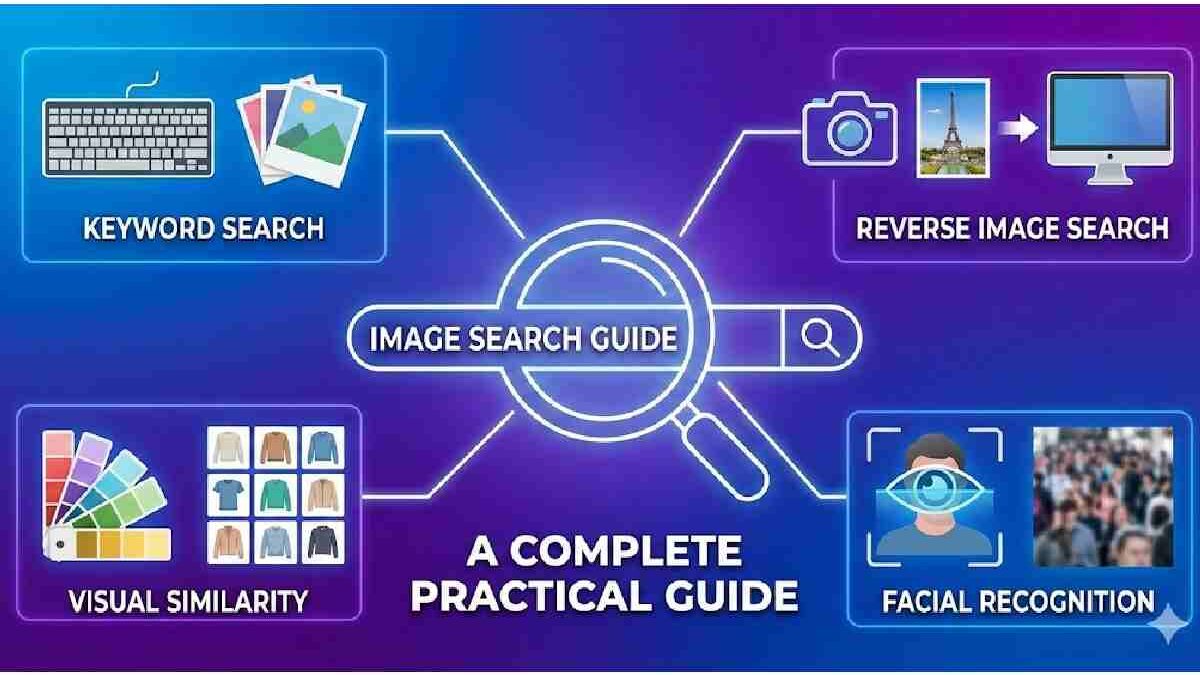
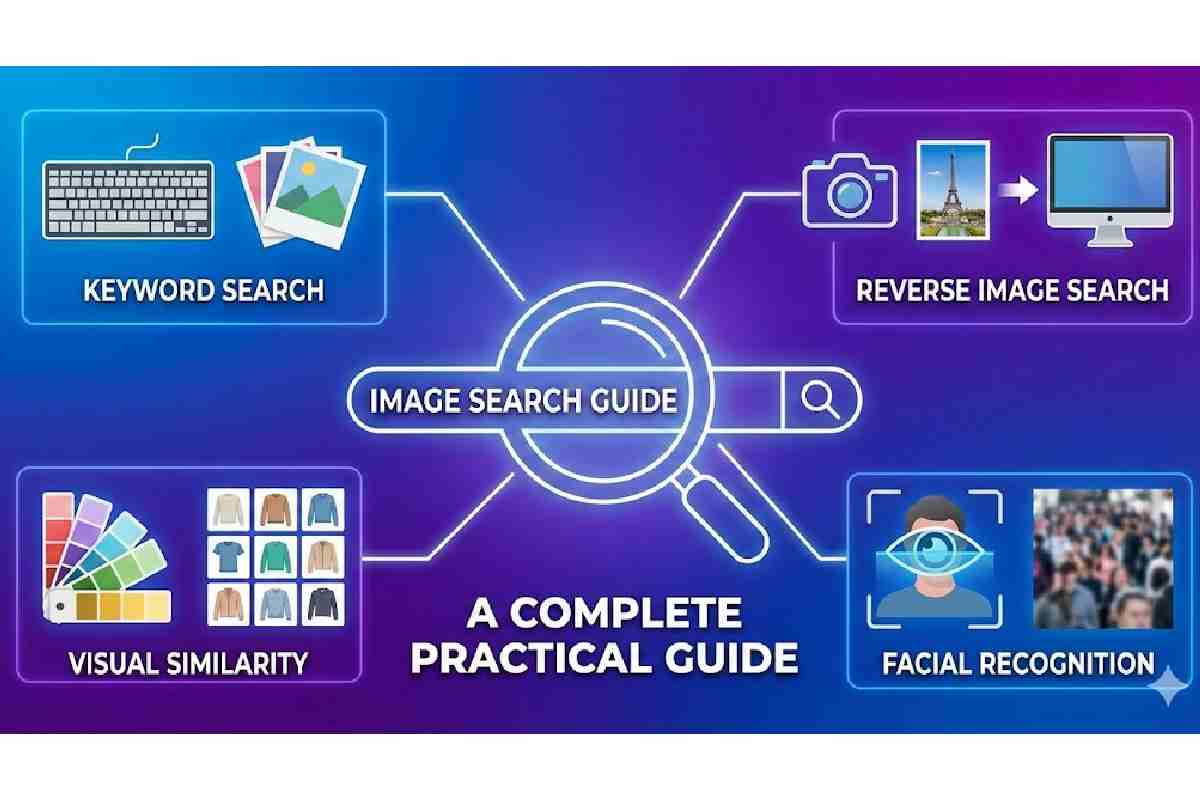
Image search techniques are the techniques and technologies of locating pertinent images within a large digital repositories on either of the queries by the user. As the amount of visual data on the internet and social media sites, medical imaging and surveillance systems, e-commerce sites, and more grows exponentially, efficient image searching has become a research problem of vital importance in computer vision, information retrieval, and artificial intelligence.
The search of traditional images was based on text-based metadata that included filenames, tags, and descriptions. These techniques are, however, restricted by the human subjectivity, lack of complete annotations as well as scaling problems. New image search algorithms are employing more and more content-based image retrieval (CBIR), machine learning and deep learning techniques; to process features of images directly.
This paper discusses different types of image search functions, their principles, benefits, drawbacks, uses, and prospects.
Table of Contents
What Are Image Search Systems?
Image search systems allow users to find information with images instead of—or in addition to—text. Instead of typing a keyword, a user uploads or captures a photo, and the system returns visually similar images or relevant information based on what’s in the image. These systems can find exact matches, similar pictures, or objects and context within an image.
They are widely used not only by search engines like Google Images but also in e‑commerce (visual shopping), digital forensics, healthcare, and security applications.
How Image Search Works?
| Step / Component | Description | Key Technologies / Methods | Notes / Examples |
| 1. Image Input / Query | User provides an image via upload, camera capture, or URL to start the search. | File handling, image preprocessing | Used in Google Images, TinEye, Pinterest Lens |
| 2. Feature Extraction | System analyzes visual content to identify patterns such as color, texture, shape, edges, or objects. | Convolutional Neural Networks (CNNs), SIFT, SURF, ORB | Converts images into feature vectors for comparison |
| 3. Image Representation | Image features are encoded as numeric vectors or embeddings for efficient storage and retrieval. | Vector embeddings, PCA (dimensionality reduction) | Enables fast similarity calculations |
| 4. Similarity Comparison / Matching | The query image vector is compared with database vectors to find closest matches. | Cosine similarity, Euclidean distance, nearest neighbor search | Finds visually similar or identical images |
| 5. Reverse Image Search | Identifies exact or near-duplicate images, even if cropped, resized, or edited. | Hashing, digital fingerprints, perceptual hashing | TinEye pioneered this approach |
| 6. Metadata Integration (Optional) | Combines visual similarity with textual metadata like captions, tags, or surrounding content. | NLP, semantic search, hybrid ranking algorithms | Improves relevance of search results |
| 7. Ranking & Retrieval | Returns ranked results based on similarity scores, relevance, or user intent. | VisualRank, AI ranking models | VisualRank adapts PageRank concepts for images |
| 8. Display Results / Feedback Loop | Shows results to user; user interactions (clicks, selections) can improve future recommendations. | User interaction analytics, reinforcement learning | Pinterest Lens and Google Lens use this for iterative improvement |
Key Technologies & Algorithms
| Technology / Algorithm | Purpose / Role |
| Convolutional Neural Networks (CNNs) | Learns features from raw pixel data for object detection and classification. |
| Scale‑Invariant Feature Transform (SIFT) | Detects and matches local features invariant to scale and orientation. |
| VisualRank | Ranks search results using similarity graph methods (like PageRank for images). |
| Vector Embeddings + Similarity Metrics | Enables efficient retrieval by comparing image representations (vectors). |
| OCR (Optical Character Recognition) | Extracts text from images to improve search relevance and indexing. |
Types of Image Search Techniques
| Type of Image Search | Description / How It Works | Key Technologies / Methods | Applications / Examples |
| Reverse Image Search | Finds identical or near-duplicate images based on a query image. Detects images even if resized, cropped, or edited. | Digital fingerprinting, perceptual hashing, feature matching | TinEye, Google Images reverse search, copyright tracking |
| Content-Based Image Retrieval (CBIR) | Retrieves images based on visual content like color, texture, shape, or spatial layout instead of text. | SIFT, SURF, CNNs, feature vectors | Medical imaging databases, stock photo search, scientific image retrieval |
| Visual Similarity Search | Returns images that look similar to the query image for aesthetic or design similarity. | Deep learning embeddings, vector similarity metrics | E-commerce (visual shopping), fashion, interior design inspiration |
| AI-Powered Semantic Image Search | Understands objects, scenes, and context in an image to match semantically relevant content. | Convolutional Neural Networks (CNNs), Transformers, multimodal AI models | Google Lens, Pinterest Lens, AI-powered search assistants |
| Hybrid Image Search | Combines visual content analysis with textual metadata (tags, captions) for improved accuracy. | Feature extraction + NLP + semantic ranking | Web search engines, stock image platforms, digital libraries |
| Facial / Object Recognition Search | Detects and matches specific objects or faces in images against a database. | FaceNet, YOLO, OpenCV, deep learning object detectors | Security, surveillance, identity verification, photo tagging |
Applications of Image Search Systems
| Application Area | Description / Use Case | Examples / Notes |
| Web Search Engines | Users can search the web by uploading an image to find visually similar content, sources, or related information. | Google Images, Bing Image Search, TinEye |
| E-Commerce / Retail | Enables visual product discovery — users upload a photo of a product to find similar items for sale online. | Amazon StyleSnap, Pinterest Lens, ASOS Visual Search |
| Healthcare & Medical Imaging | Search and compare medical images (X-rays, MRIs, pathology slides) to aid diagnosis or research. | PACS systems, CBIR in radiology databases |
| Security & Surveillance | Facial recognition, license plate detection, or object matching in video and image feeds for monitoring and law enforcement. | Law enforcement image databases, airport security systems |
| Digital Forensics & Copyright Protection | Track image usage online, detect duplicates, and protect copyrighted content. | TinEye, Pixsy, reverse image search for stolen content |
| Social Media & Content Management | Organize and search personal or shared images based on content, faces, or visual similarity. | Facebook photo tagging, Google Photos search by content |
| Design & Creative Industries | Find visually similar images for inspiration, creative design, or stock photo selection. | Adobe Stock, Shutterstock, Pinterest Visual Search |
| Augmented Reality (AR) & Visual Search | Recognizes objects or landmarks from camera input to overlay information or provide context. | Google Lens, IKEA Place app, Snapchat AR filters |
| E-Learning & Research | Retrieve educational images, diagrams, or scientific visuals based on content similarity. | Digital libraries, academic image databases |
| Personal Content Organization | Users can sort and search personal photo libraries automatically using content recognition. | Google Photos, Apple Photos object & scene detection |
Recent Innovations in Image Search (2024–2026)
| Innovation / Feature | Description | Impact / Examples |
| Multimodal Search in Google AI Mode | Google’s AI Mode now combines image and text understanding so users can upload or capture a photo and ask questions about it in natural language. The system interprets the full scene, including objects, context, and relationships. | Enables richer visual search experiences — e.g., upload a photo of books and receive detailed context, links, and recommendations. |
| Visual Search Fan‑Out Techniques | Advanced methods like visual search fan‑out run multiple queries simultaneously about an image and its components, improving depth and nuance in results. | Helps with understanding subtle visual details (like secondary objects) and tailoring results to complex user requests. |
| Conversational Visual Exploration | Search systems now support natural, follow‑up questions after uploading an image, refining results in dialogue form. | Users can refine a visual search interactively (e.g., describe “blue pillows” after an initial room image). |
| Multisearch: Combine Image + Text | Users can search with images plus keywords for more precise results — e.g., upload a photo and add a descriptive phrase to narrow the intent. | More accurate shopping, design, and search queries by combining modalities. |
| Living Video/Screen Search | Tools now let users search from video or screen content without leaving apps, directly extracting meaningful objects from dynamic visuals. | Search what’s on messaging or video apps by holding a button (Android “search screen” feature). |
| Real‑Time Camera Sharing / Live Search | Google announced Live Search, where users can stream their camera feed and get real‑time AI responses about objects in view. | Useful for exploring in real life — identifying ingredients, landmarks, products, etc. |
| AI‑Powered Shopping Visual Search | Amazon launched Lens Live, a visual search for real‑time product identification and shopping recommendations using generative AI. | Allows users to point their camera at items and immediately get shopping suggestions with purchase links. |
| Integrated Generative Tools (Nano Banana) | Google added Nano Banana — an AI image editing/generation tool — directly into image search and Lens, letting users edit as well as search. | Enables creative image manipulation within search workflows. |
| AI‑Generated Visual Results in Search | Google’s AI Mode now returns generated visual recommendations alongside typical search answers, blending generative and visual search. | More interactive and visually rich search experiences. |
| Academic Advances in Multimodal Retrieval | Research frameworks like MagicLens are pushing image search toward open‑ended image + text instructions and richer semantic relations. | Supports retrieving images not just by visual similarity but by implicit semantic relationships. |
| Adaptive Retrieval via Reinforcement Learning | New models (e.g., Glance‑or‑Gaze) dynamically decide where and how to focus visual queries, improving search efficiency and reducing noise. | Enhances performance on complex visual queries and reduces redundant information. |
Key Themes in Recent Innovation
Multimodal & Contextual Understanding
Image search is no longer about matching visuals alone — modern systems blend vision + language so users can describe, question, and explore images conversationally. Features in Google AI Mode illustrate this shift clearly.
Commerce & Real‑World Search
Visual search is expanding into real‑time shopping experiences (e.g., Amazon Lens Live) and rich product discovery, linking camera input directly to relevant product suggestions.
Video & Live Visual Search
The shift from static images to live video feeds means users can search and interact with the world in real time using their camera — effectively extending image search into augmented reality‑style experiences.
Generative Integration
AI tools like Nano Banana bring editing and creative manipulation into the search context, enabling users to not just find but also transform images during their search experience.
Information of Image Search Systems.
Image search systems are developed to access visually significant images in a database depending on the input of a user which can be textual, pictorial, or a combination of both.
Key Components of an Image Search System
| Component | Description |
| Image Database | A large collection of stored digital images |
| Feature Extraction | Process of identifying visual characteristics from images |
| Indexing | Organizing extracted features for efficient retrieval |
| Query Processing | Interpreting user input (text or image) |
| Similarity Matching | Measuring resemblance between query and stored images |
| Ranking Mechanism | Ordering retrieved images based on relevance |
Image Search Techniques in countrywise
| Country / Region | Dominant Image Search Techniques | Focus / Key Applications | Notable Examples / Companies |
|---|---|---|---|
| United States | Reverse image search, CBIR, AI-powered semantic search, hybrid search | E-commerce visual search, social media, AI research, security & surveillance | Google Images, Pinterest Lens, Amazon StyleSnap, Microsoft Bing Visual Search |
| China | AI-powered semantic search, facial recognition, reverse image search | Social media moderation, e-commerce, surveillance, government use | Baidu Image Search, Alibaba Visual Search, Tencent Cloud AI Vision |
| European Union | CBIR, hybrid search, AI semantic search | Copyright monitoring, stock photo retrieval, research libraries | Shutterstock, Getty Images, TinEye, DeepAI research projects |
| India | AI-assisted visual search, reverse image search, CBIR | E-commerce, local language search, product discovery | Flipkart Visual Search, Meesho AI Search, Google Lens localized versions |
| Japan | CBIR, semantic search, AI-driven product search | E-commerce, industrial design, cultural heritage digitization | Rakuten Visual Search, LINE AI-powered search, Sony AI labs |
| South Korea | Hybrid search, AI semantic search, object recognition | E-commerce, AR applications, social media | Naver Image Search, Kakao Vision, Samsung AI labs |
| Middle East | Reverse image search, AI semantic search | Security, e-commerce, social media content moderation | Local e-commerce platforms with AI search integration, Google Lens localized |
| Global / Research Focus | Multimodal search (image + text), generative AI visual search, live camera-based search | Academic research, AR/VR, AI innovation, multimodal retrieval | Google AI Mode, MagicLens research (arXiv), Nano Banana (Google) |
Classification of Image Search Techniques
Image search techniques can be broadly classified based on the type of input query and retrieval methodology.
Major Types of Image Search Techniques
| Technique Type | Query Input | Core Principle |
| Text-Based Image Retrieval (TBIR) | Keywords | Metadata and annotations |
| Content-Based Image Retrieval (CBIR) | Image or visual features | Low-level visual features |
| Semantic-Based Image Retrieval | Text or image | High-level meaning |
| Hybrid Image Search | Text + Image | Combined approaches |
| AI-Based Image Search | Any | Deep learning models |
Text-Based Image Retrieval (TBIR)
Text-based image retrieval is the earliest and most widely used image search technique. It relies on textual descriptions associated with images.
How TBIR Works
Images are indexed using:
- Captions
- Tags
- Filenames
- ALT text
- Metadata (EXIF, IPTC)
When a user enters a text query, the system retrieves images whose metadata matches the query keywords.
Advantages and Limitations of TBIR
| Aspect | Details |
| Advantages | Simple implementation, fast retrieval |
| Limitations | Subjective tagging, language ambiguity, poor visual accuracy |
| Use Cases | Stock photo websites, news archives |
| Dependency | Human annotation quality |
Content-Based Image Retrieval (CBIR)
Content-Based Image Retrieval retrieves images based on their visual content rather than textual descriptions.
Visual Features Used in CBIR
| Feature Type | Description |
| Color | Histogram, dominant colors |
| Texture | Surface patterns and repetitions |
| Shape | Object outlines and contours |
| Spatial Layout | Arrangement of objects |
| Edge Detection | Boundary information |
CBIR Workflow
- Feature extraction from images
- Feature vector generation
- Indexing in feature space
- Similarity comparison
- Result ranking
Strengths and Weaknesses of CBIR
| Strength | Weakness |
| Objective analysis | Semantic gap |
| No manual tagging | Computationally expensive |
| Scalable | Limited understanding of context |
Semantic Gap in Image Search
The semantic gap refers to the disconnect between low-level visual features and high-level human interpretation.
Causes of the Semantic Gap
| Cause | Explanation |
| Feature Limitation | Low-level features fail to capture meaning |
| Subjective Interpretation | Different users perceive images differently |
| Context Absence | Lack of situational understanding |
Bridging this gap is a major research challenge in image search technology.
Image Search Approaches based on Semantics.
Image search using semantics intends to find images with respect to their conceptual meaning and not a literal similarity.
Techniques Used
| Method | Description |
| Ontologies | Structured knowledge representation |
| Concept Detectors | Identify objects and scenes |
| Image Annotation | Automatic labeling |
| Knowledge Graphs | Relationship-based understanding |
Semantic search improves user satisfaction but requires large annotated datasets.
Relevance Feedback Mechanisms
Relevance feedback allows users to iteratively refine search results by marking images as relevant or irrelevant.
Types of Relevance Feedback
| Type | Description |
| Explicit Feedback | User ratings or selections |
| Implicit Feedback | Clicks, dwell time |
| Pseudo Feedback | System-generated assumptions |
This technique enhances accuracy over repeated interactions.
Machine Learning in Image Search
Machine learning enables image search systems to learn patterns and improve retrieval accuracy over time.
Common ML Algorithms Used
| Algorithm | Role |
| k-Nearest Neighbors (k-NN) | Similarity matching |
| Support Vector Machines (SVM) | Classification |
| Decision Trees | Feature selection |
| Clustering Algorithms | Unsupervised grouping |
Machine learning reduces dependency on manual feature engineering.
Deep Learning-Based Image Search
Deep learning has revolutionized image search by enabling end-to-end learning from raw pixel data.
Role of Convolutional Neural Networks (CNNs)
CNNs automatically learn hierarchical image features, ranging from edges to objects.
Popular Deep Learning Models
| Model | Application |
| AlexNet | Feature extraction |
| VGGNet | Visual similarity |
| ResNet | High-accuracy retrieval |
| EfficientNet | Resource-efficient search |
Deep learning significantly narrows the semantic gap.
Reverse Image Search
Reverse image search allows users to upload an image instead of text to find visually similar images.
Working Principle
| Step | Description |
| Image Upload | User provides query image |
| Feature Extraction | Visual features extracted |
| Similarity Matching | Compared with database |
| Result Display | Ranked similar images |
Applications
- Copyright detection
- Product identification
- Image plagiarism detection
Multimodal Image Search
Multimodal image search combines multiple data types such as text, image, audio, and metadata.
Benefits of Multimodal Systems
| Benefit | Explanation |
| Higher Accuracy | Multiple signals improve relevance |
| Context Awareness | Richer understanding |
| User Flexibility | Multiple query options |
This approach is widely used in e-commerce and social media platforms.
Evaluation Metrics for Image Search Systems
Performance evaluation is critical to measure the effectiveness of image search techniques.
Common Evaluation Metrics
| Metric | Description |
| Precision | Relevant images retrieved |
| Recall | Coverage of relevant images |
| F1 Score | Balance of precision and recall |
| Mean Average Precision (MAP) | Ranking quality |
| Retrieval Time | System efficiency |
Applications of Image Search Techniques
Image search technologies are applied across various domains.
Major Application Areas
| Domain | Use Case |
| Healthcare | Medical image diagnosis |
| E-commerce | Visual product search |
| Security | Face recognition |
| Education | Visual learning tools |
| Digital Libraries | Archival retrieval |
| Social Media | Content moderation |
Challenges in Image Search Techniques
Despite advancements, several challenges remain.
Key Challenges
| Challenge | Impact |
| Large-Scale Data | Storage and indexing complexity |
| Bias in Datasets | Ethical concerns |
| Real-Time Processing | High computation |
| Privacy Issues | User data protection |
| Semantic Understanding | Context limitations |
Future Trends in Image Search
The future of image search is shaped by AI advancements and increasing visual data.
Emerging Trends
| Trend | Description |
| Vision-Language Models | Unified text-image understanding |
| Explainable AI | Transparent retrieval decisions |
| 3D Image Search | Spatial-aware retrieval |
| Edge Computing | Faster local processing |
| Personalized Search | User-specific results |
Conclusion
Image search algorithms have progressed to the barbaric textual and complex AI-based algorithms that comprehend image semantic meaning. Although the old methods use metadata extensively, new systems employ content-based discovery, machine learning, and deep learning to provide relevant and high-quality results. Although semantic gaps, scalability, and privacy issues still pose a challenge, current developments in artificial intelligence show that in the future, image search will be more human-centric, intuitive, and precise.